FBQ800
超コンパクト 9バンド グラフィック イコライザー FBQ搭載
1 / 5
View in fullscreen
FBQ800
超コンパクト 9バンド グラフィック イコライザー FBQ搭載
About this product
超コンパクト 9バンド グラフィック イコライザー FBQ搭載
Why do I Need an Equalizer?
If we all lived in a perfect world, there would be no need for audio equalization. Sound systems would be perfect and would reproduce perfect signals in all their glorious perfection. Also, everyone in that perfect world would like the same amount of bass, midrange and high frequency, and there would be no such thing as feedback. But the world isn’t perfect, is it? Even the best sound system can benefit from the use of a good EQ—like the FBQ800.
How Does it Work?
The frequency range of any sound you hear is like a very wide highway with nine lanes that each represent a single octave of the sonic spectrum ranging from low frequencies (63-500 Hz), mid frequencies (1, 2 and 4 kHz) where most instruments and vocals reside, and high frequencies (8 and 16 kHz) covering cymbals, snare drums and other high-pitched instruments. The FBQ800 allows you to control the flow of audio traffic in each of these nine lanes. When properly applied, EQ makes it possible to hear all of these frequency ranges equally, thus the term equalization.
Feedback Elimination
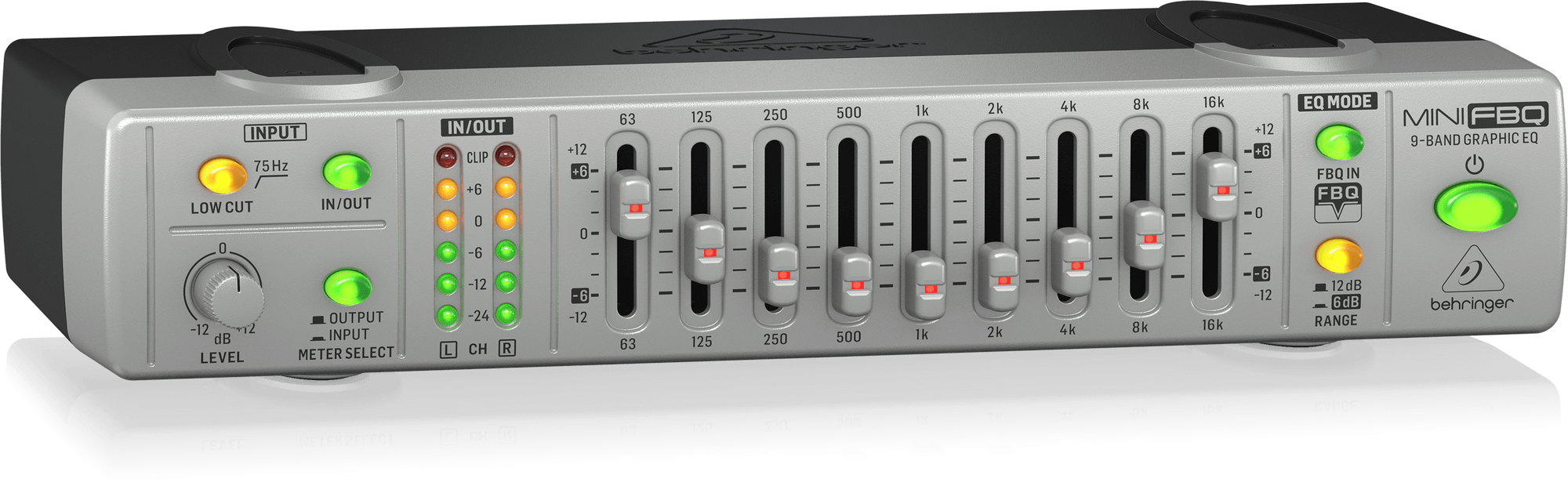
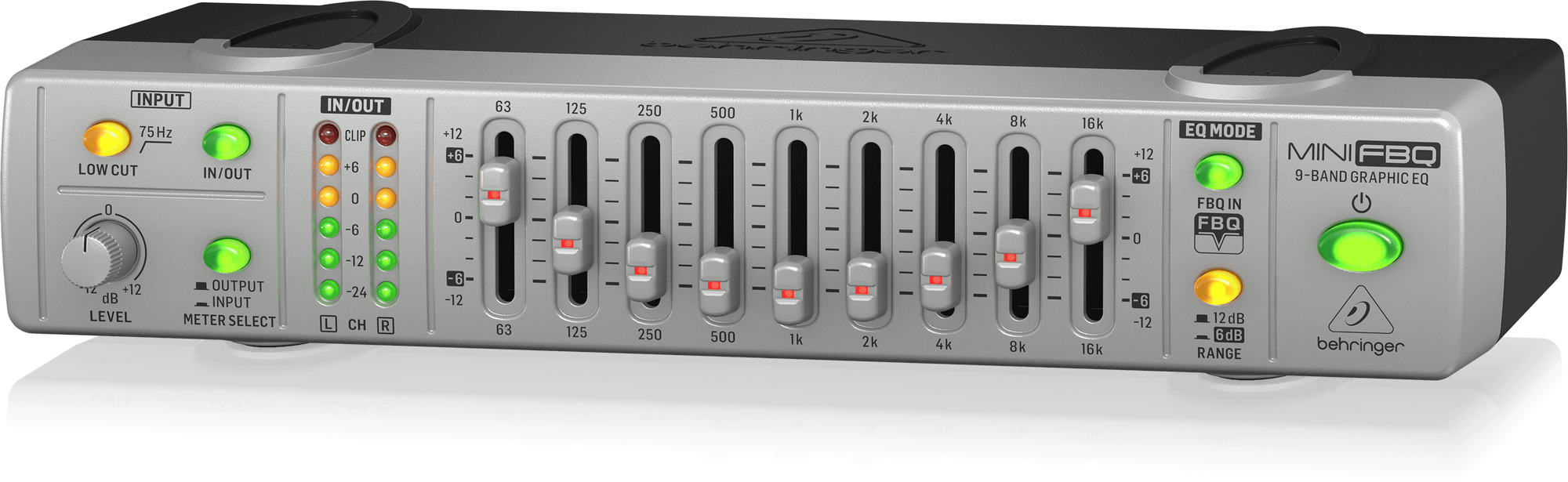
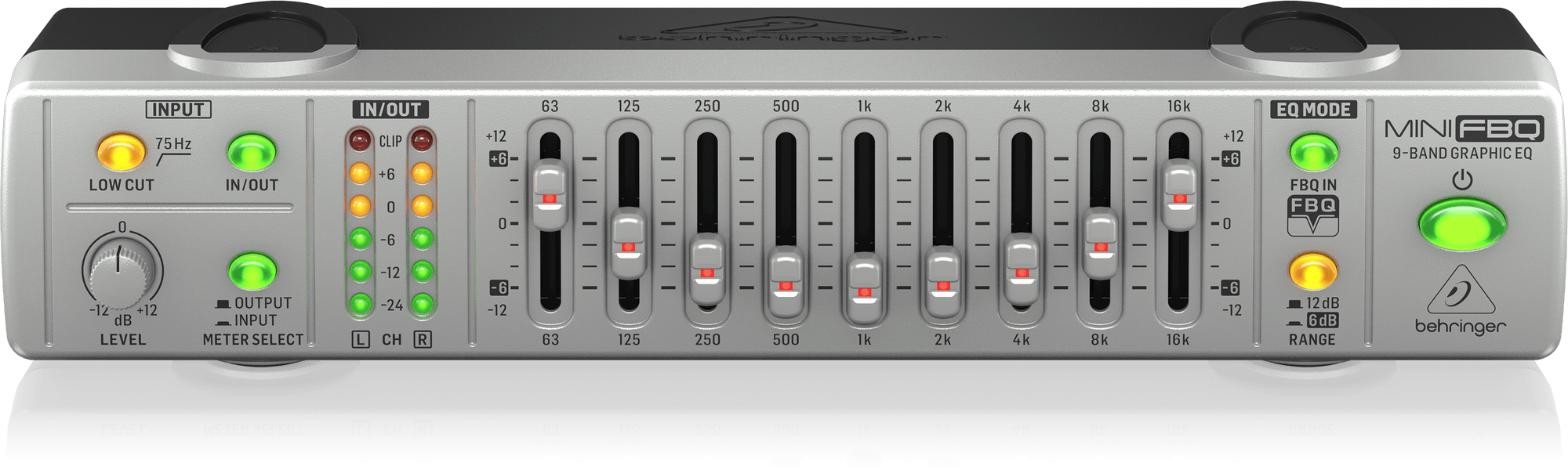
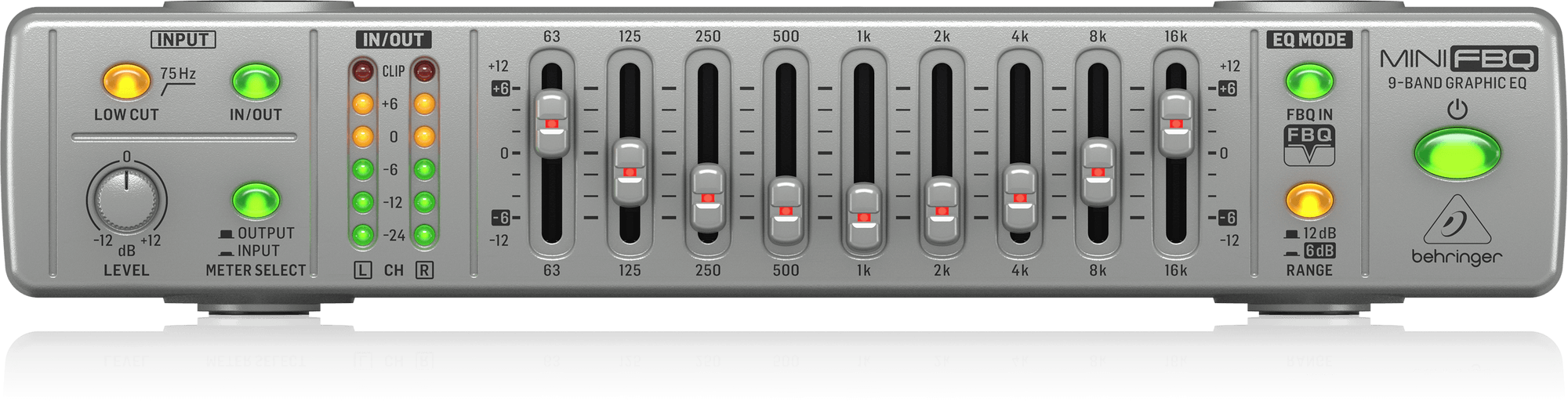
Feedback happens when there is so much of a particular frequency that it is picked up by the mic and run through the system again. That’s why feedback typically gets louder and louder the longer it’s allowed to occur. This is where the FBQ800’s Feedback Detection System really works its magic. In this ingenious circuitry, LEDs on the individual faders light up when that frequency band is approaching the danger zone. All you need do is lower the illuminated slider until the LED blinks out—voilà, feedback problem solved! What once required a highly trained ear is now an activity that even a child can master.
Sonic Toolkit…
With its nine frequency bands, you easily fine-tune your sound and instantly eliminate feedback. And each fader can be used to boost or cut the frequency range it controls by as much as 12 dB (and that’s a lot!). Special attention is paid to the low frequency zone. In addition to low frequency faders, the FBQ800 features a Low Cut filter for removing unwanted low frequencies such as floor rumble, room resonance, electrical hum, etc. This is especially handy if your system is being used for speech rather than music.
To Boost or to Cut, That is the Question
Raising and lowering specific frequency bands can improve the frequency response of any room’s acoustics. For instance, if the room you’re in is “bass-heavy,” lowering the 63 and 125 Hz faders can help eliminate an overall “boomy” or “muddy” sound. Likewise, gently boosting the 8 and 16 k sliders can add sparkle to a somewhat “dark” mix. Are the vocals getting lost in the mix? Raising the level of the 1 k slider can help bring them out. It’s important to note that raising a single fader level is not always the best solution; it’s often better to lower the bands surrounding the frequency you want to bring out, and then boost the overall volume level to achieve better headroom.
Built for Accuracy and Reliability
Speaking of headroom, FBQ800’s 6-digit LED I/O meters and level control are provided for precise level maintenance. Long-term reliability is ensured, thanks to high-quality illuminated faders and switches, and our ultra low-noise audio operational amplifiers provide outstanding sonic performance. In addition, all Mini Series components can be stacked to create an ultra-compact signal processing solution.